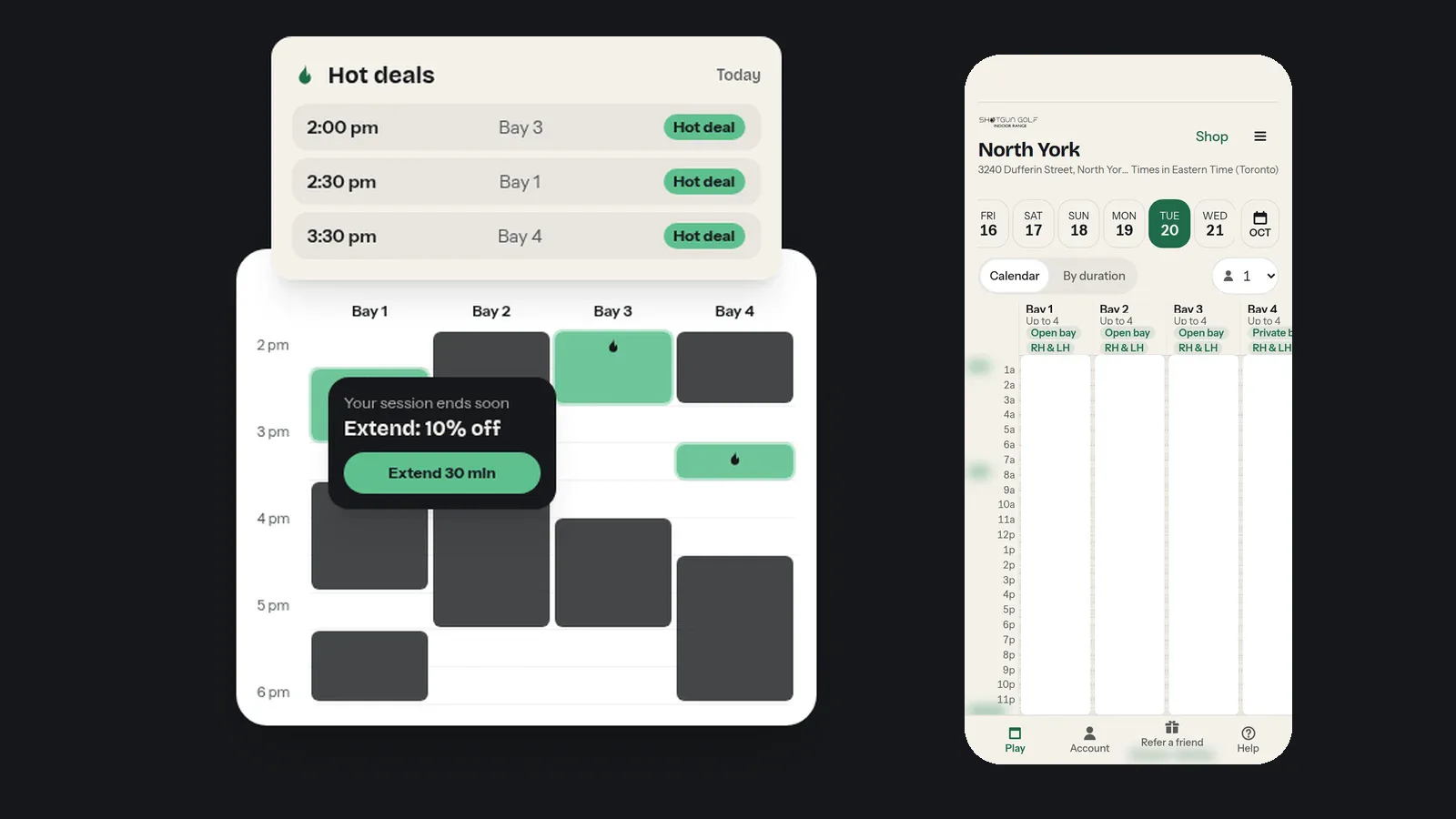
Booking2 min read
Hot Times and Gap Deals: How to Golf for Less at Shotgun Golf
Discounted bay times show up on the booking calendar every day. Here is how Hot times and Gap deals work, where to find them and how to book one.
Read more
Blog2 min read
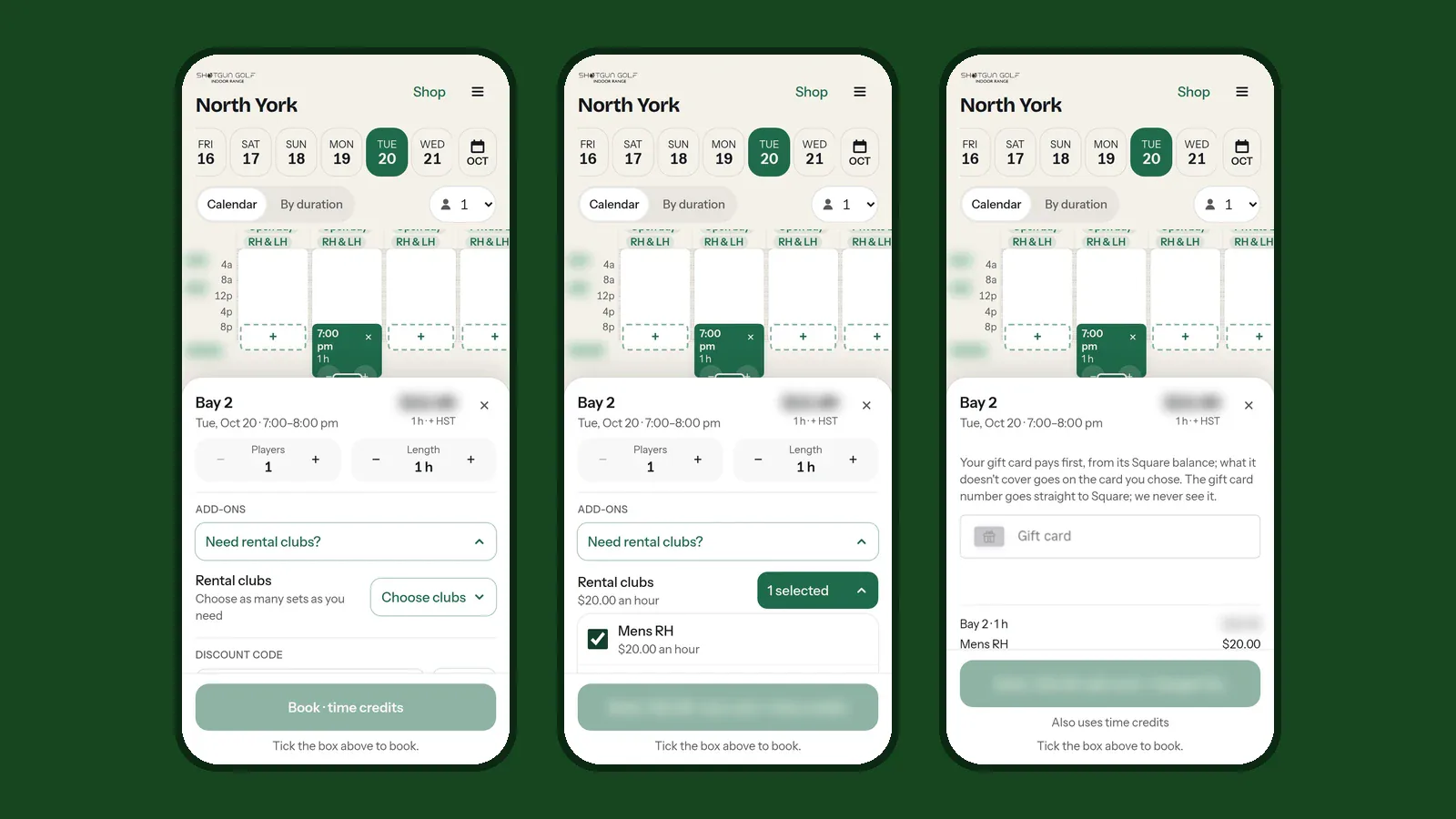
No clubs? Add a rental set when you book. Got a gift card? Pay with it in the booking sheet. Here is how both work on our booking site.
Two questions we hear every week: "Do I need my own clubs?" and "How do I use my gift card?" Both are answered right in the booking sheet.
You don't need your own clubs. Rental sets are $20 an hour per set, in men's, ladies' and juniors' sizes, right and left handed. They're available at all locations; inventory varies.
Adding clubs when you book
Each set is booked once per booking, so your group shares it. Add one set per player who needs clubs.
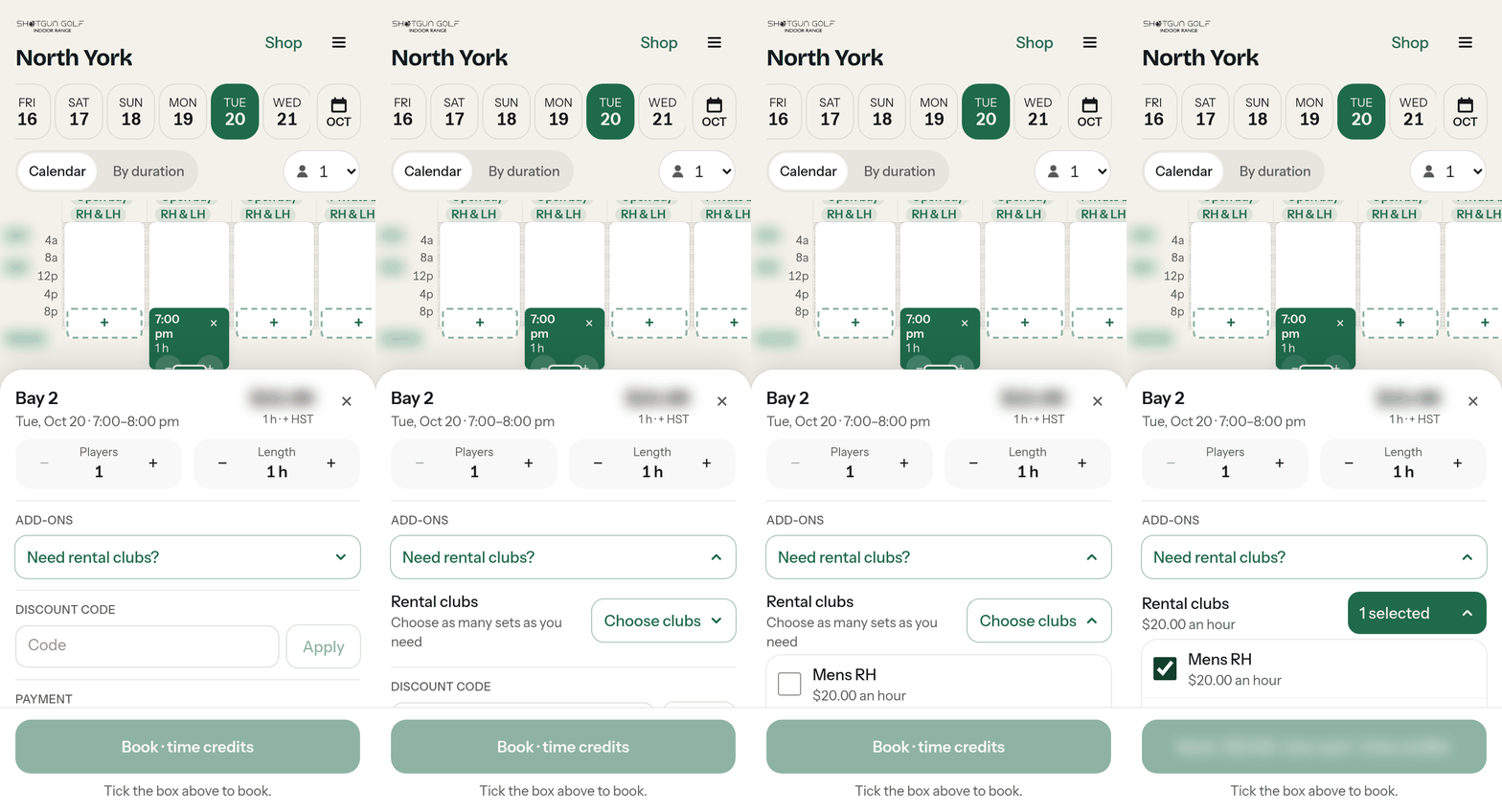
Adding or removing clubs after you book
Open Account › My Bookings, tap Change on the booking, then Add-ons. You can add or remove clubs until your booking starts. Removing clubs you've paid for is refunded or given back as credit, as our policy says.
Guides: how to add rental clubs when booking and how to change add-ons after booking. More on our rental clubs page.
Buying one
Gift cards are sold online through Square: go to our gift cards page and tap buy. Choose the amount and who it's for, and pay. You can check a balance any time.
Paying for a booking with one
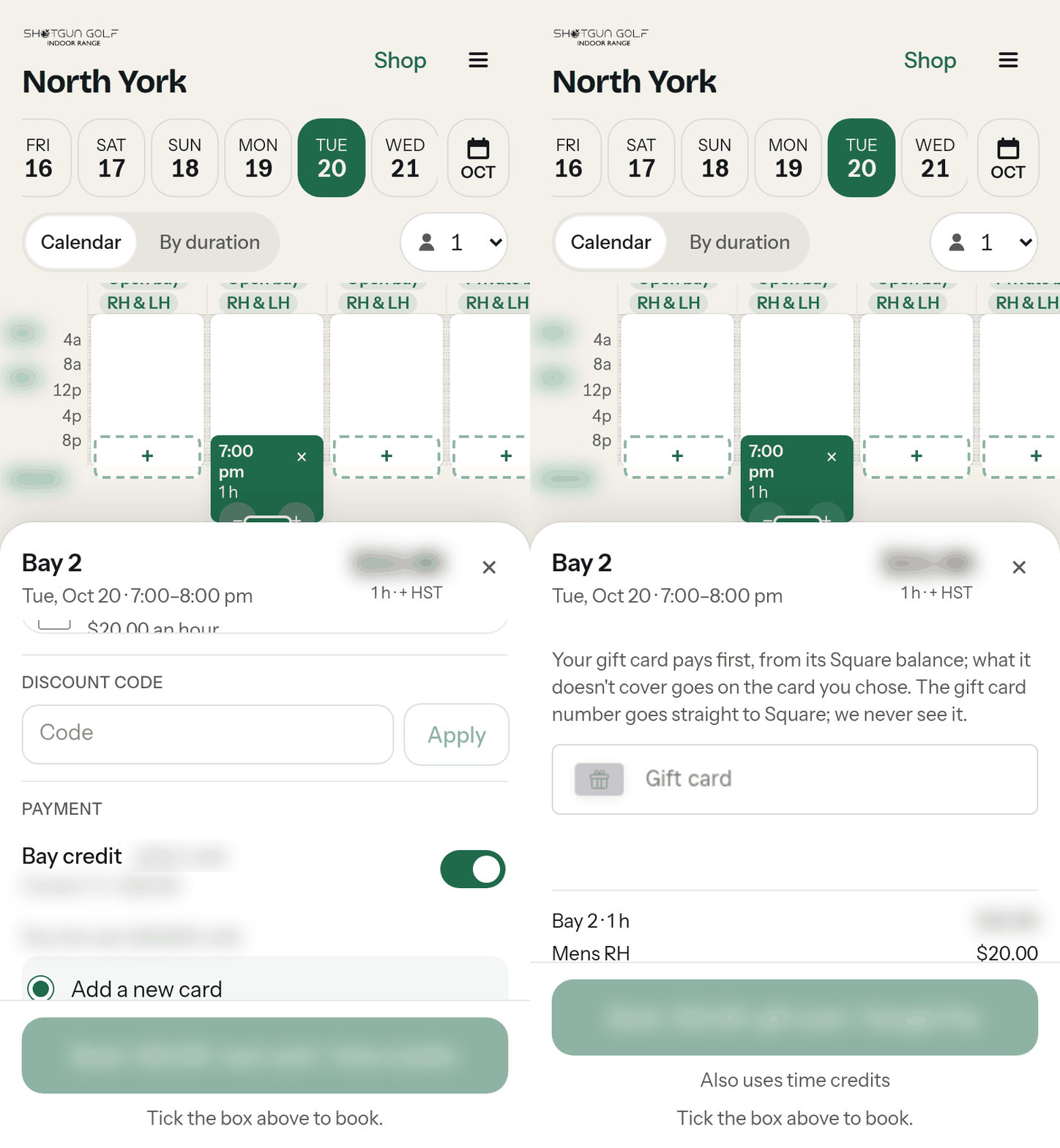
The gift card pays first, from its balance. If your membership hours or credits already cover the booking, switch one of them off to use the gift card instead.
Gift cards pay for bookings only: they can't be used for memberships, hour packages or prepaid cards.
Guides: how to pay with a gift card and how to buy a gift card.
Our booking site's guides cover everything from logging in to unlocking the door, and you log in to them with the mobile number you book with. Or contact us and we'll help.
Keep reading
Booking2 min read
Discounted bay times show up on the booking calendar every day. Here is how Hot times and Gap deals work, where to find them and how to book one.
Read more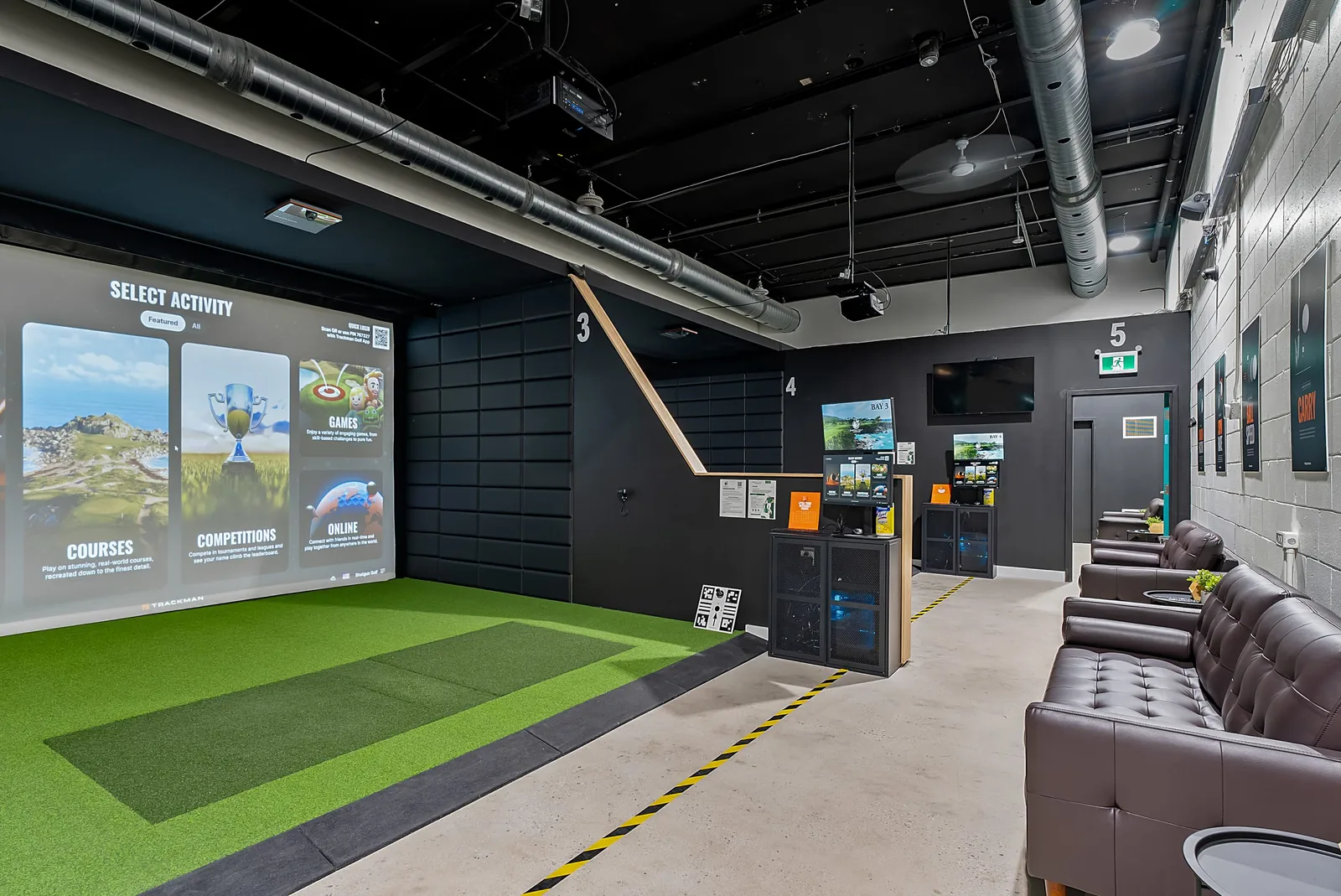
Guide4 min read
Never hit in a simulator? What an unstaffed indoor golf bay is like, what to bring, what an hour costs and what happens if you have never held a club.
Read more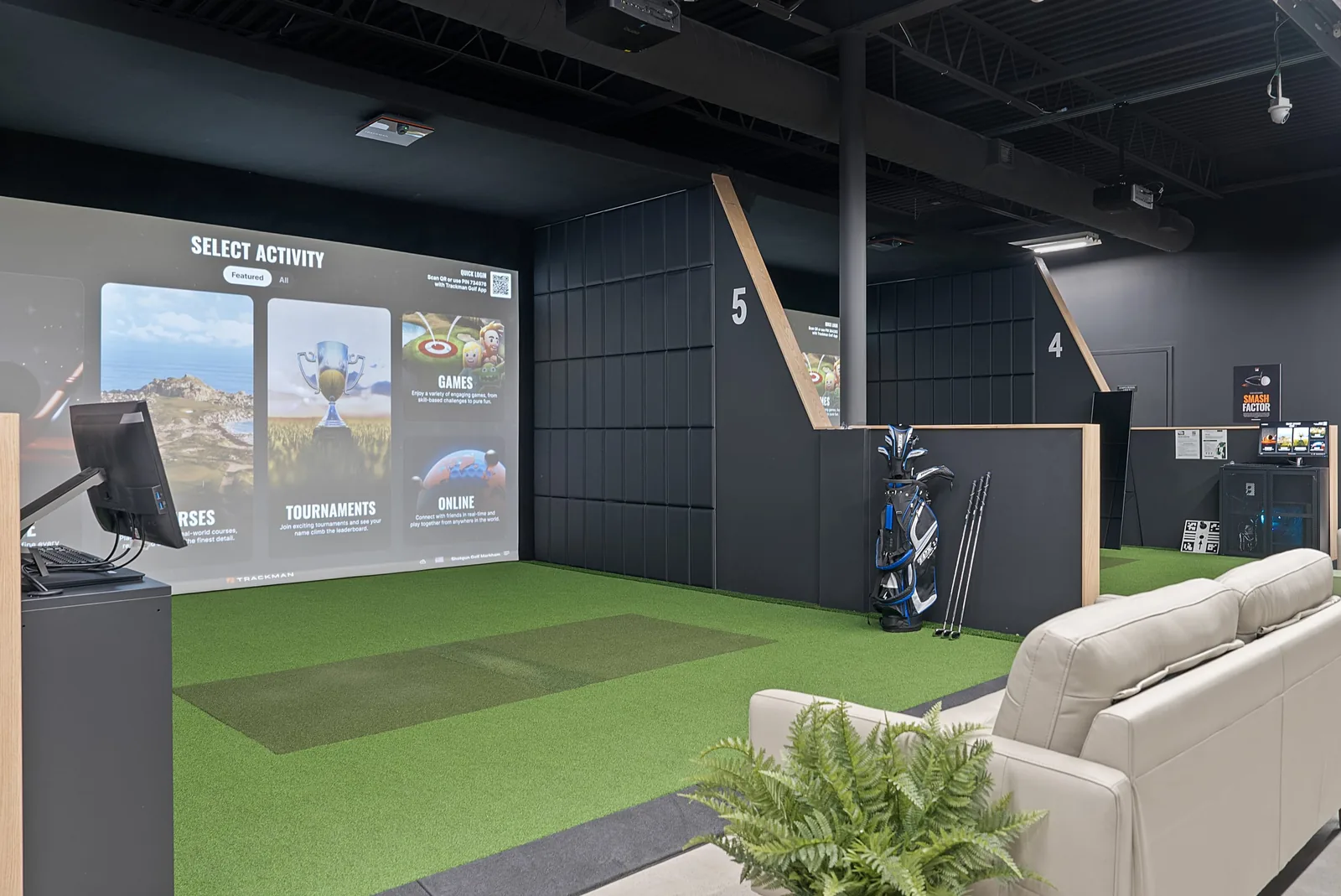
Data3 min read
We checked 160 indoor golf venues in Ontario, Alberta and Manitoba against their own sites. 65 say they never close. Where they are, and what 'open late' means.
Read morePlan your game on your time. Our app lets you book bays instantly, invite friends, and track your performance—all from your phone.