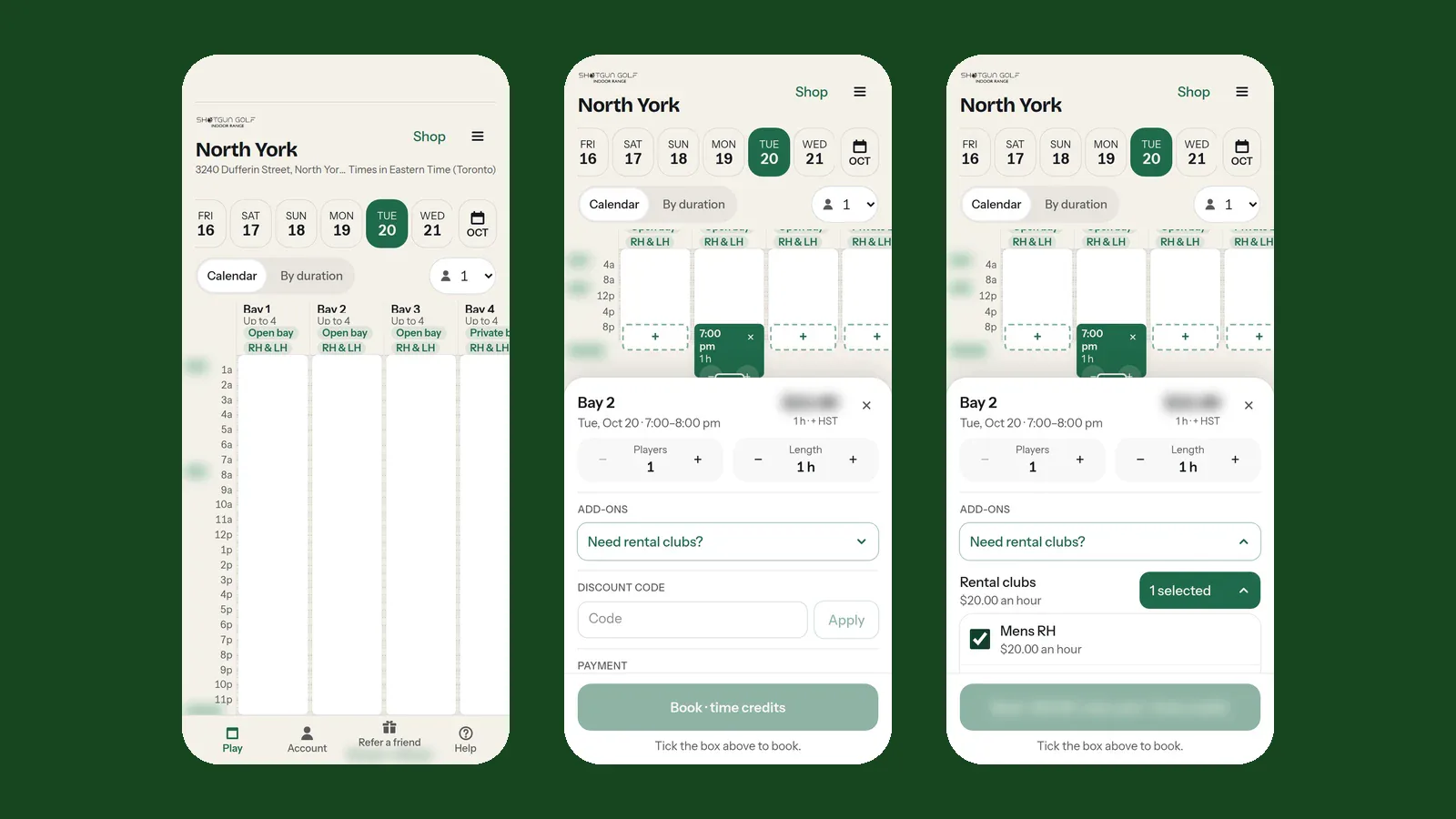
We've moved Shotgun Golf to our new booking system. It's built for venues like ours: unstaffed, open 24/7 and spread across several locations. Booking, paying and getting in the door are now one smooth flow on your phone.
Nothing changes about where you go: tap Book Now on our website, pick your club, and you're on the new booking page.
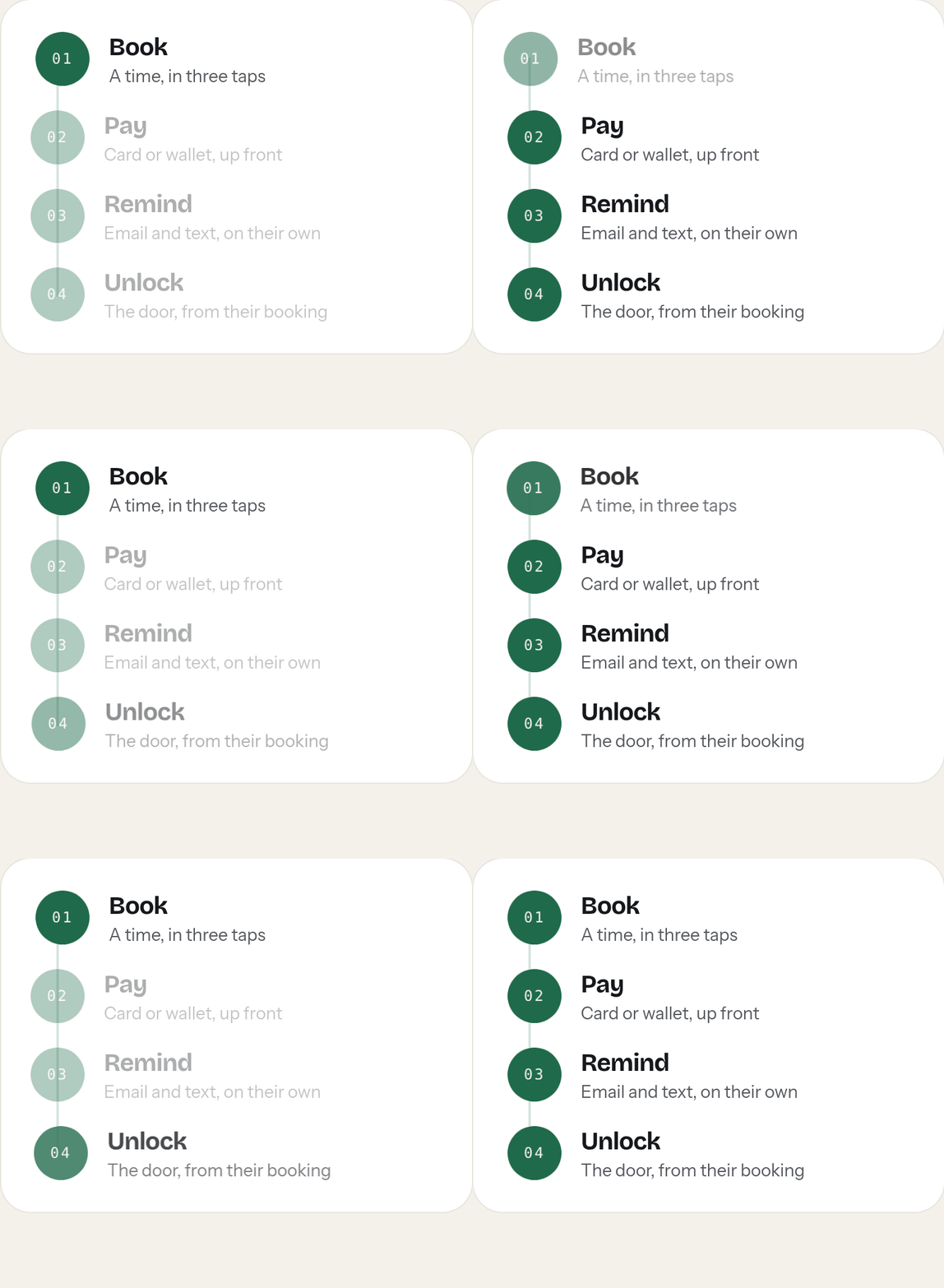
A seamless switch
- Same website, same Book Now button. Pick your location from the menu at the top of any page and you go straight to its booking page.
- No new password. Log in with your mobile number and the 6-digit code we text you. The first time, the same step sets up your account.
- Your account comes with you. Memberships, bay credit and SG Points from the old system carry over to the new one. Log in with the mobile number you've booked with and check Account › Wallet. Anything missing? Email [email protected] and we'll sort it out.
- Gift cards still work. Same Square gift cards, same place to buy them.
What's better
Booking in about three taps. Pick a day, tap an open time, check the price and tap Book. Prices are shown up front, before you log in. Want to play for a set length? By duration lists every start time that fits.
Deals on quiet hours. Discounted times are highlighted on the calendar as Hot time or Gap deal. How Hot times and Gap deals work.
Rental clubs and gift cards at checkout. Add a set of clubs in the booking sheet, and pay with a gift card under Payment. No separate forms. Here's how.
Unlock the door from your booking. Your booking has an Unlock door button from shortly before your start time, and you can send your friends their own door link so they can let themselves in.
Change your own booking. Move it, extend it while the bay is free, add players or clubs, or cancel, all from Account › My Bookings, under our cancellation policy.
One wallet. Membership hours, hour packages and prepaid-card credit all sit in your Wallet and pay first when you book. Apple Pay and Google Pay work too.
New memberships and packages. Five membership plans, plus hour packages and prepaid cards, are all in the booking site's Shop for your home club.
Help when you need it
The booking site has step-by-step guides for everything: tap Help at the bottom of the booking page, or start with how to log in and how to book a time. You log in to the guides with the mobile number you book with. Our FAQ has the short answers.
Questions? Email [email protected]. See you in the bay.